

PIN Information
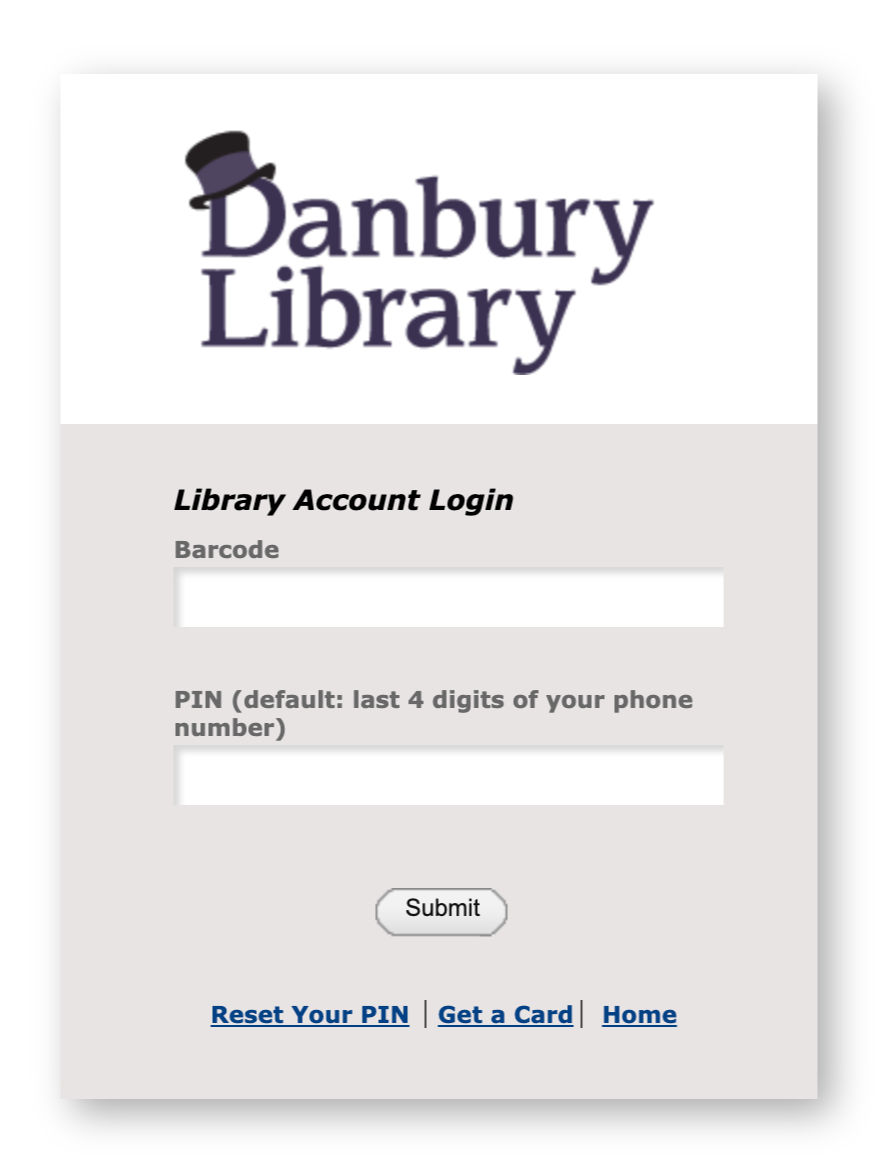
As of November 17th, 2026, a PIN will be required to access your library account online.
Your initial PIN will be set to the last 4 digits of your phone number.
You may choose to update your PIN through the library’s online catalog or reset your PIN if you have an email address connected to your library account.
If you have difficulty accessing your account, please contact the library or email clefurgy@danburylibrary.org.
Update PIN in Vega Discover
If you are able to login with your default PIN, you may update it by navigating to the Account Portal in Vega Discover, the online catalog.
In the left-hand menu, click “Account.”
Find “Change Passcode” below your library barcode number.
Reset PIN by Email
From the PIN reset page, enter your library barcode number.
An email will be sent to the email address in your library record with a link to create a new PIN.
This link is valid for 3 hours from the time of your request.
PIN Requirements
The PIN must be at least 4 characters long and can have letters, numbers, or special characters.
The PIN may not have a consecutively repeating character three or more times (ex. aaaa, aaaax7gp, x7gp3333) or a consecutively repeating set of up to four characters two or more times (ex. abab, abcabc, abcdabcd, ababx7gp, x7gp3434).